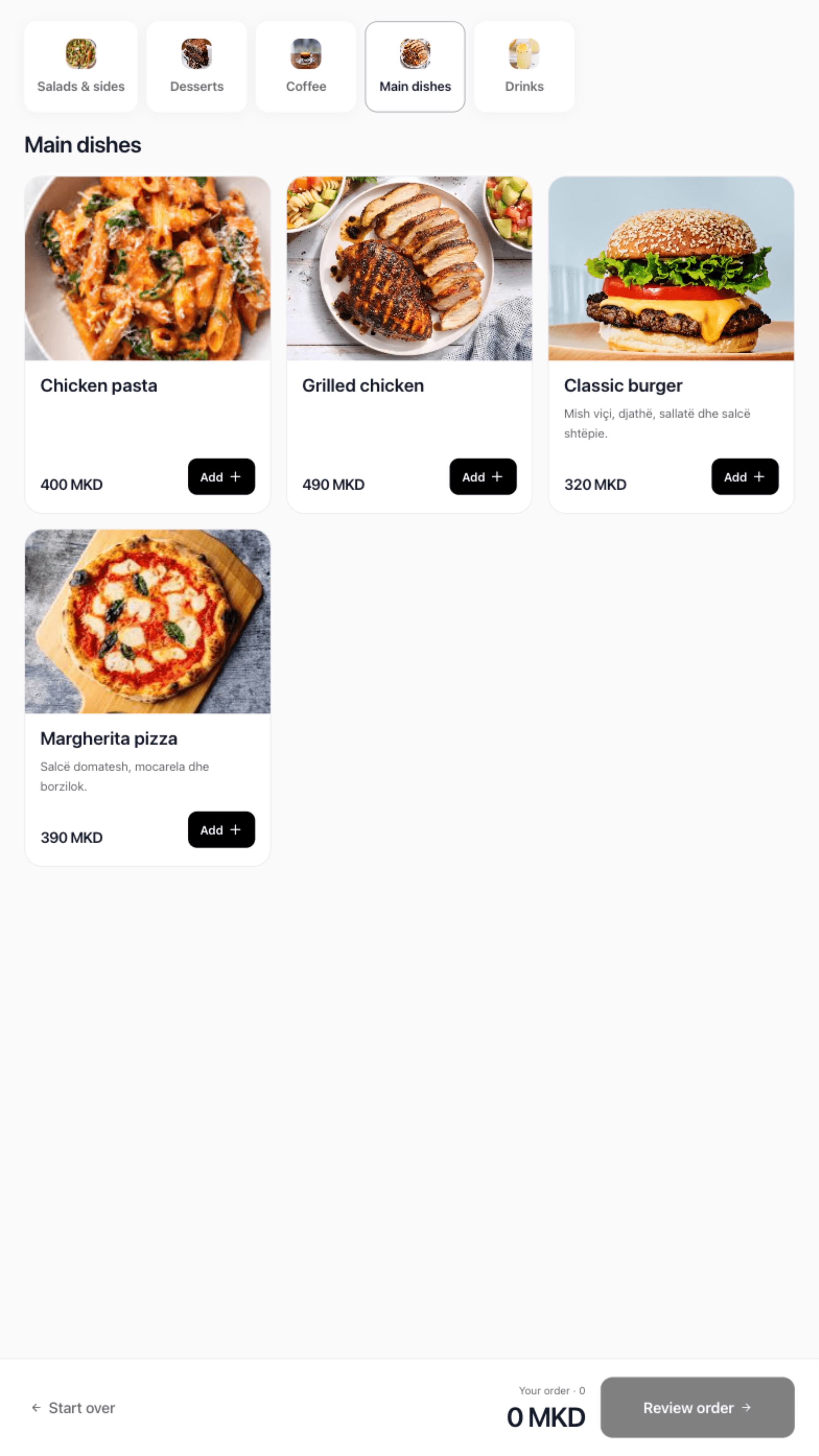
Take the order once. Choose sizes, extras and notes at the till. With Flow or Pro, send paid counter orders to the kitchen printer.
See the counter setup
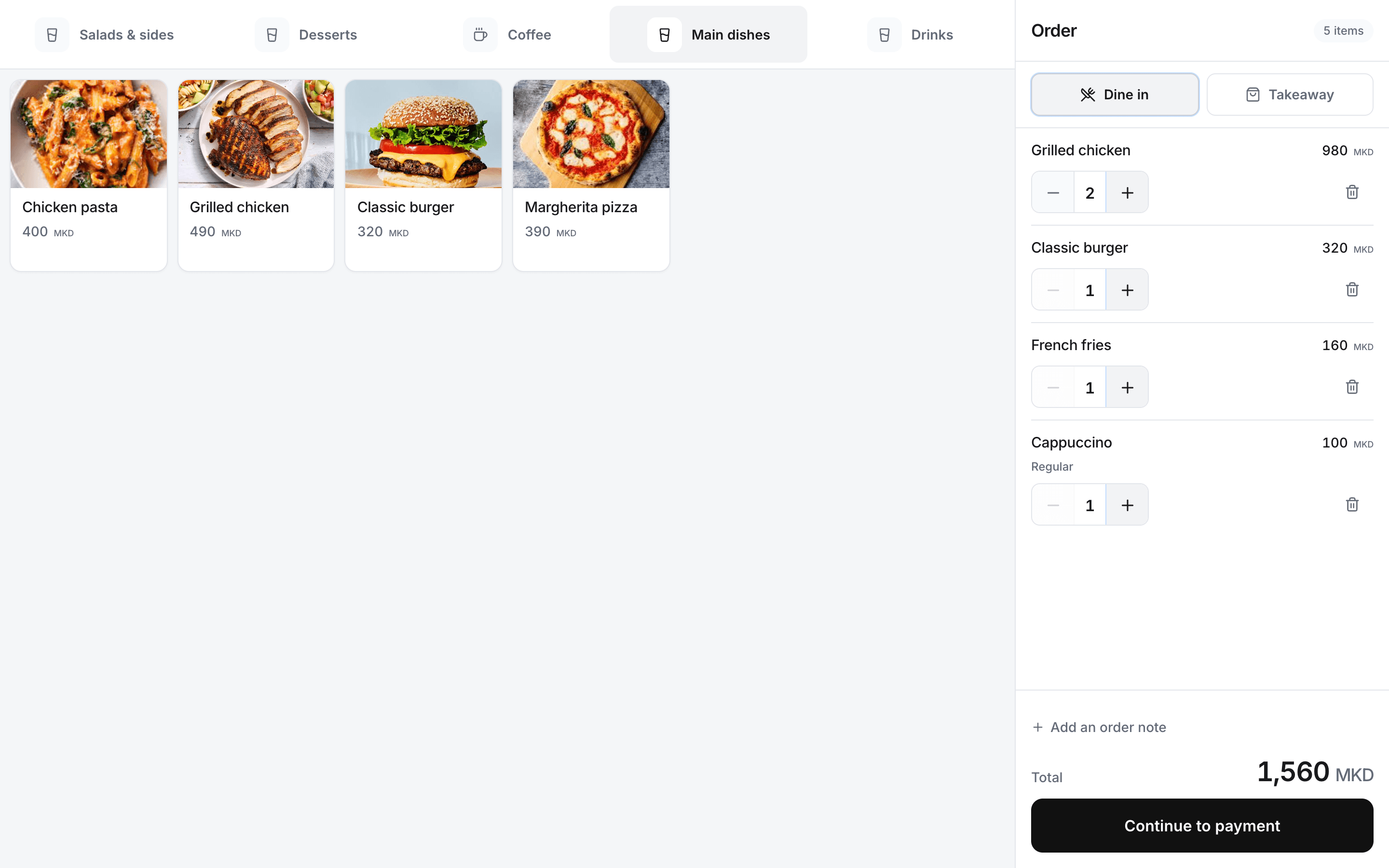
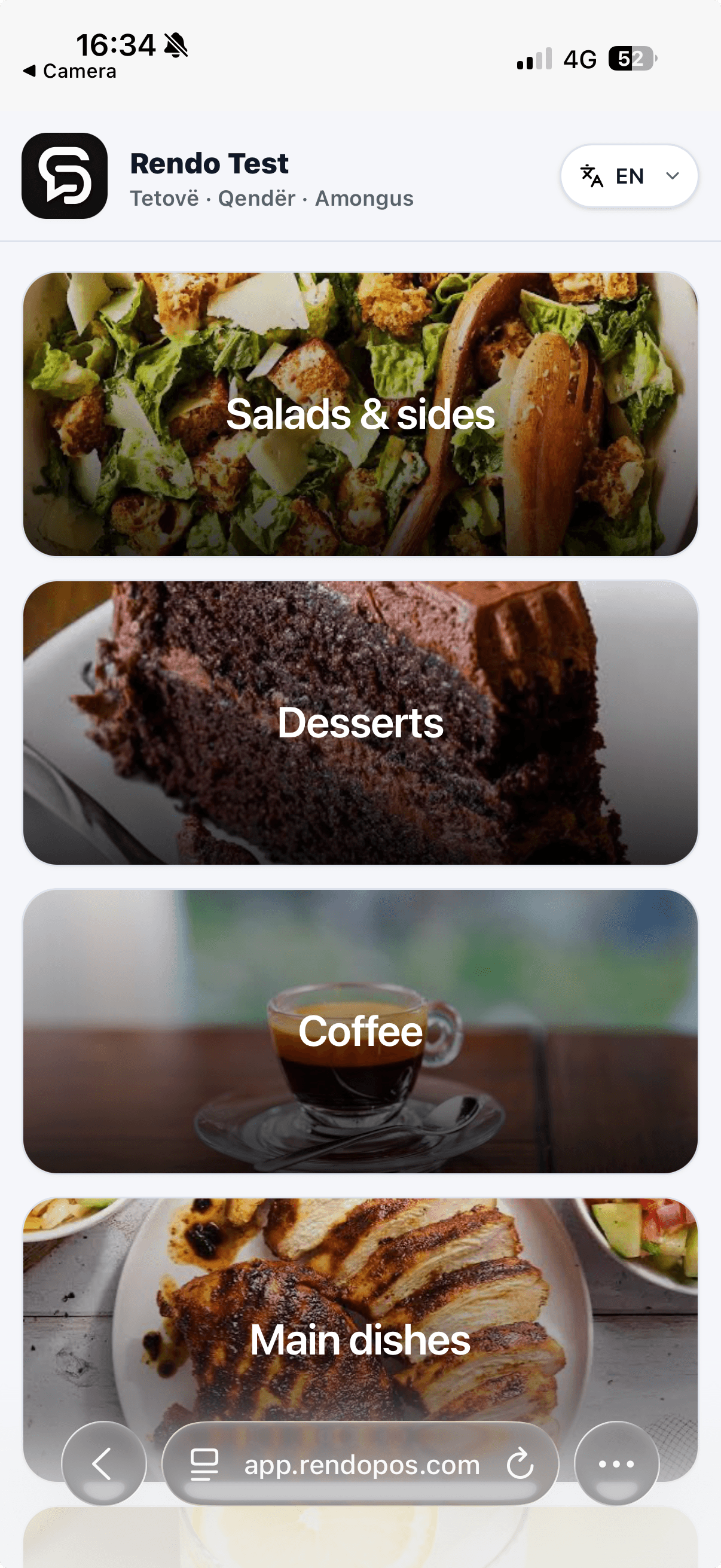
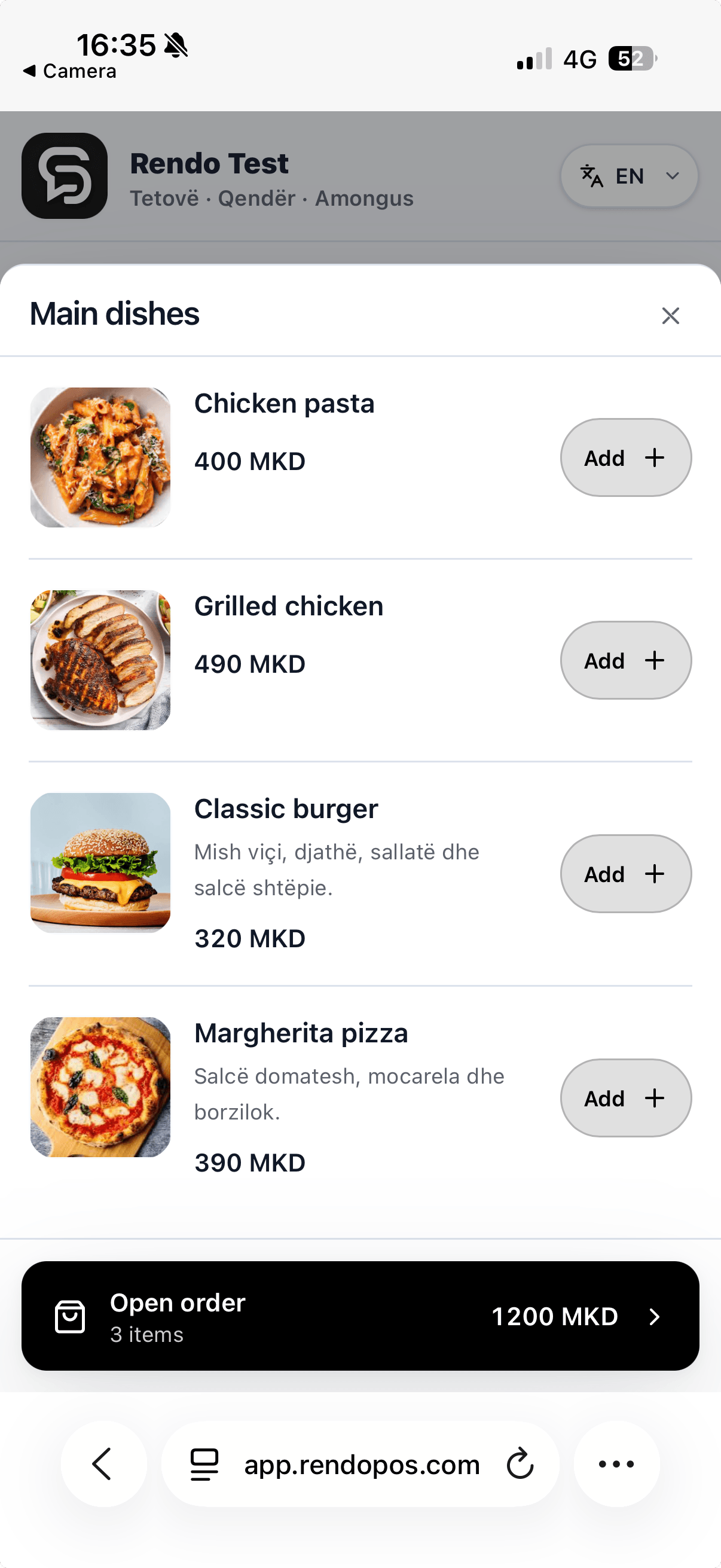
With Rendo POS, guests choose their meal on a phone or kiosk and pay at the counter. Your team sees the order, and you can check sales from your phone.
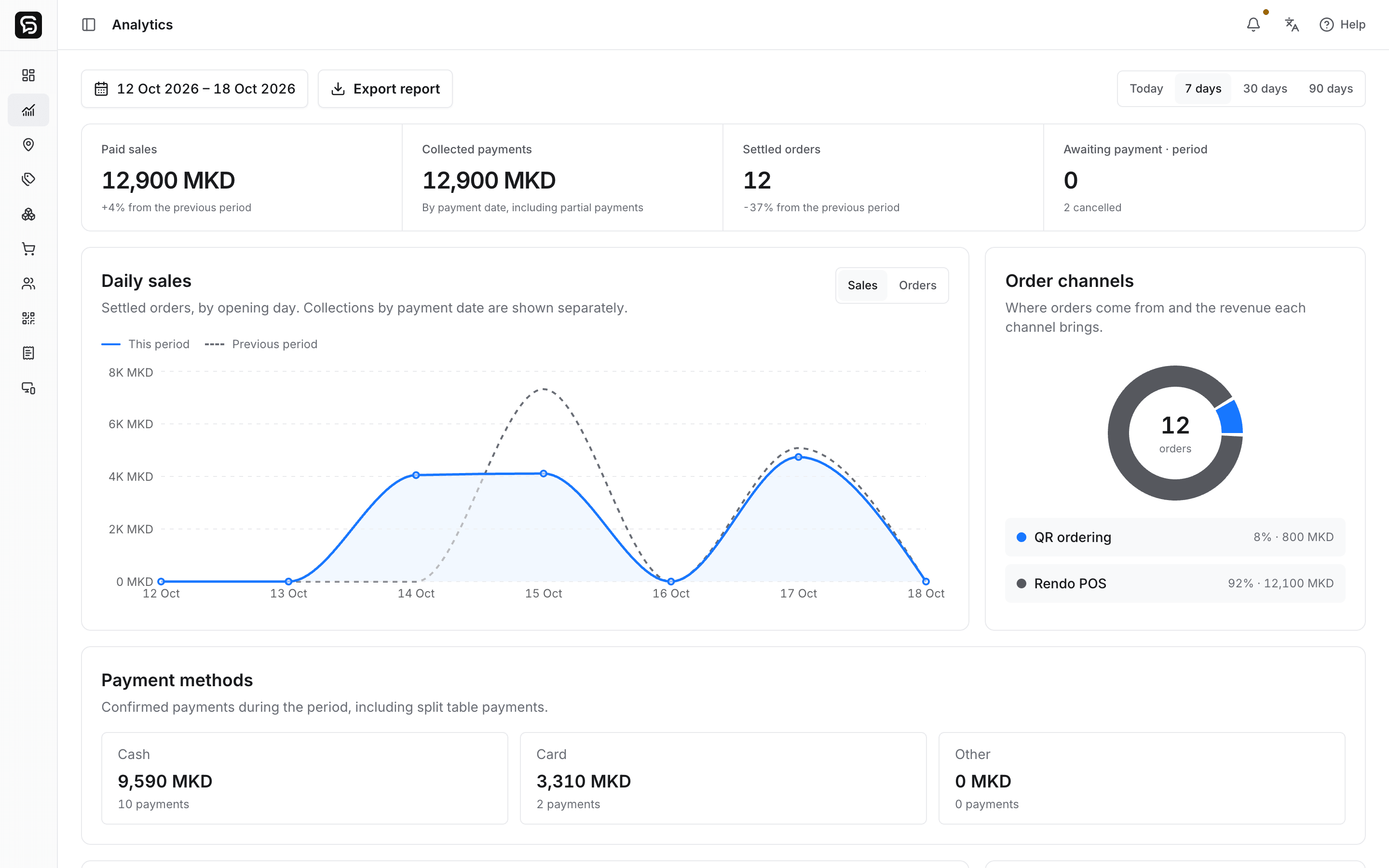
Explore the product
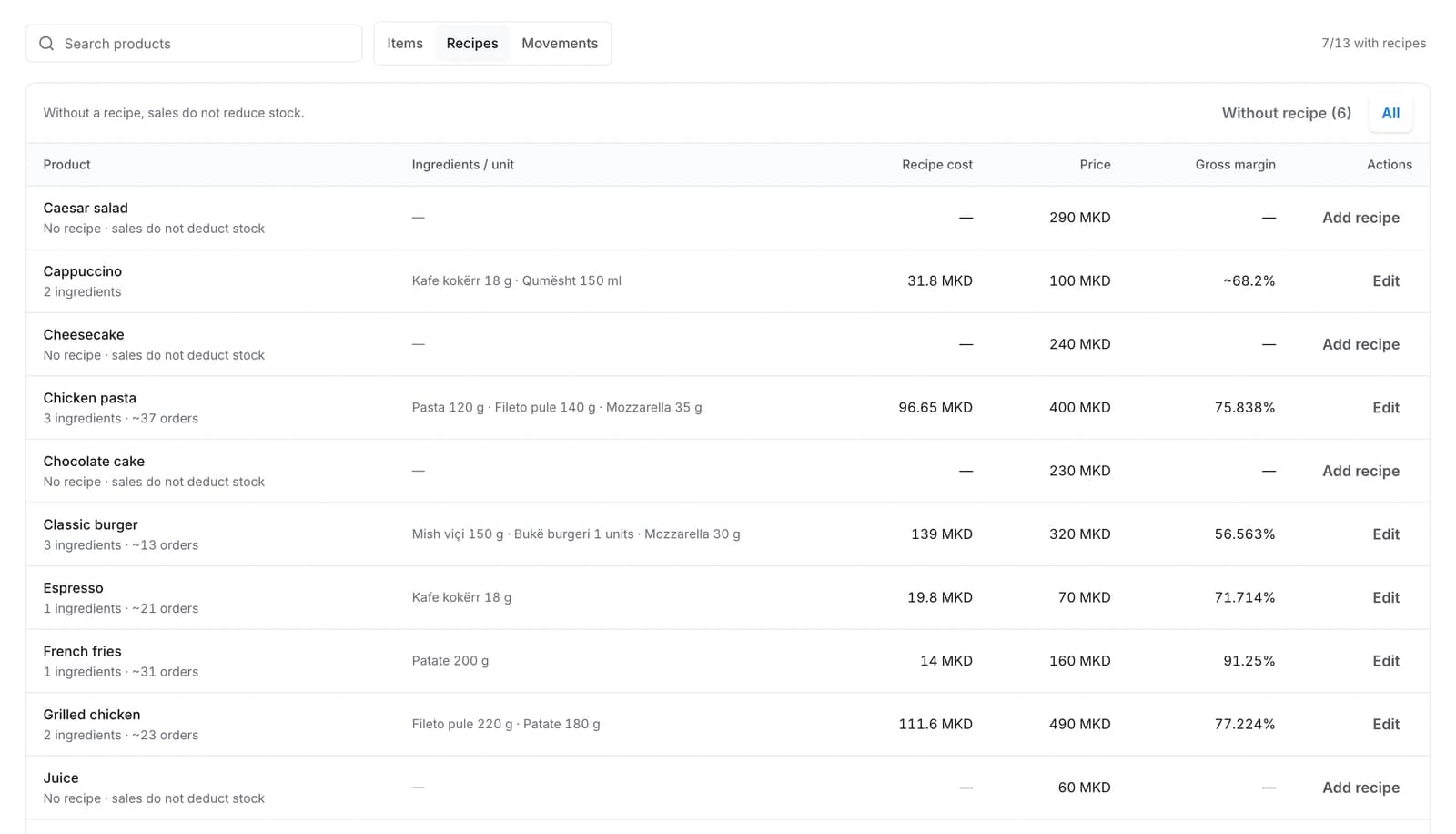
Set ingredient quantities and review recipe costs. Products without a recipe stay visible for follow-up.
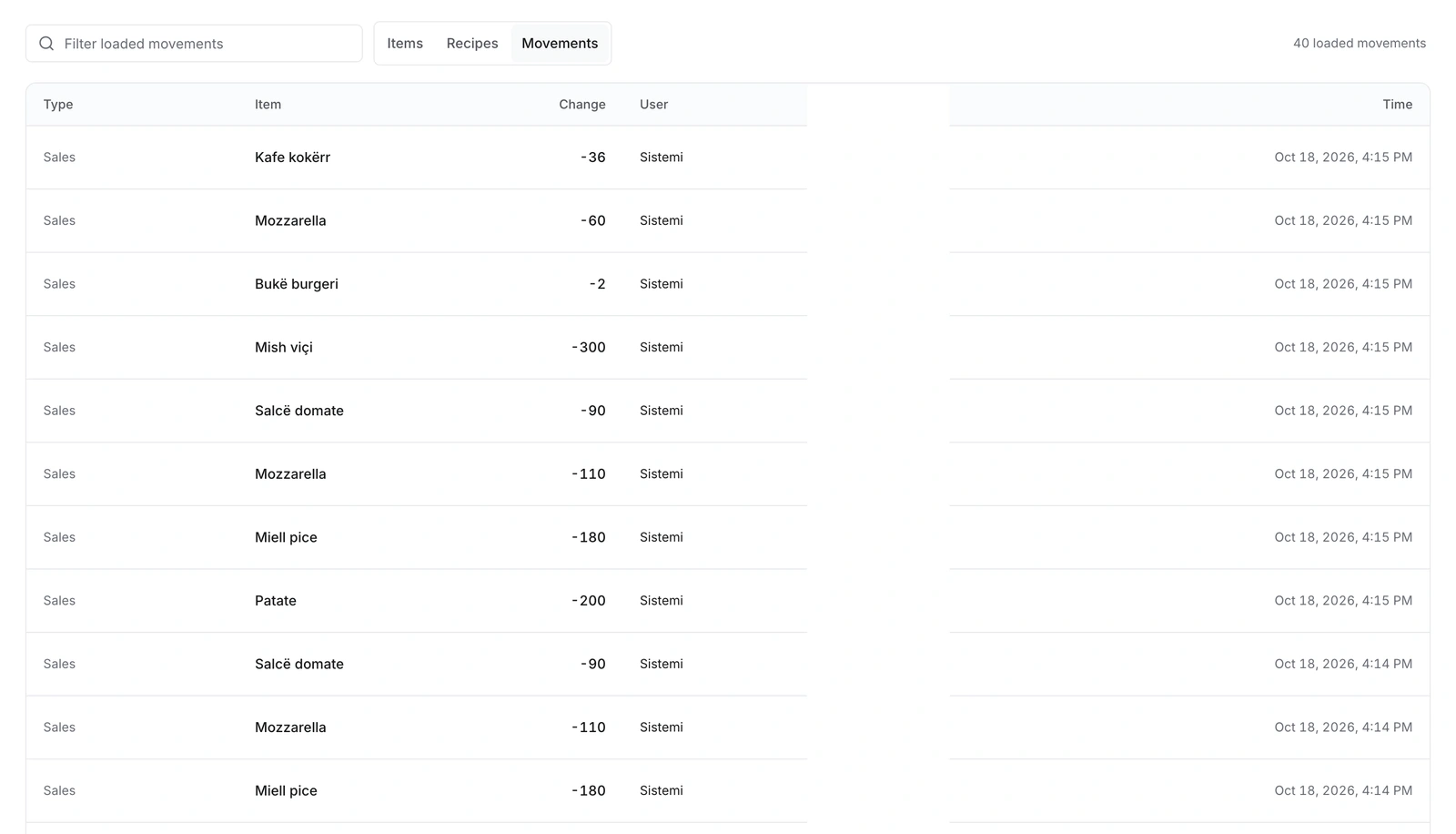
Review sales deductions, deliveries, counts and waste in the stock movement history.
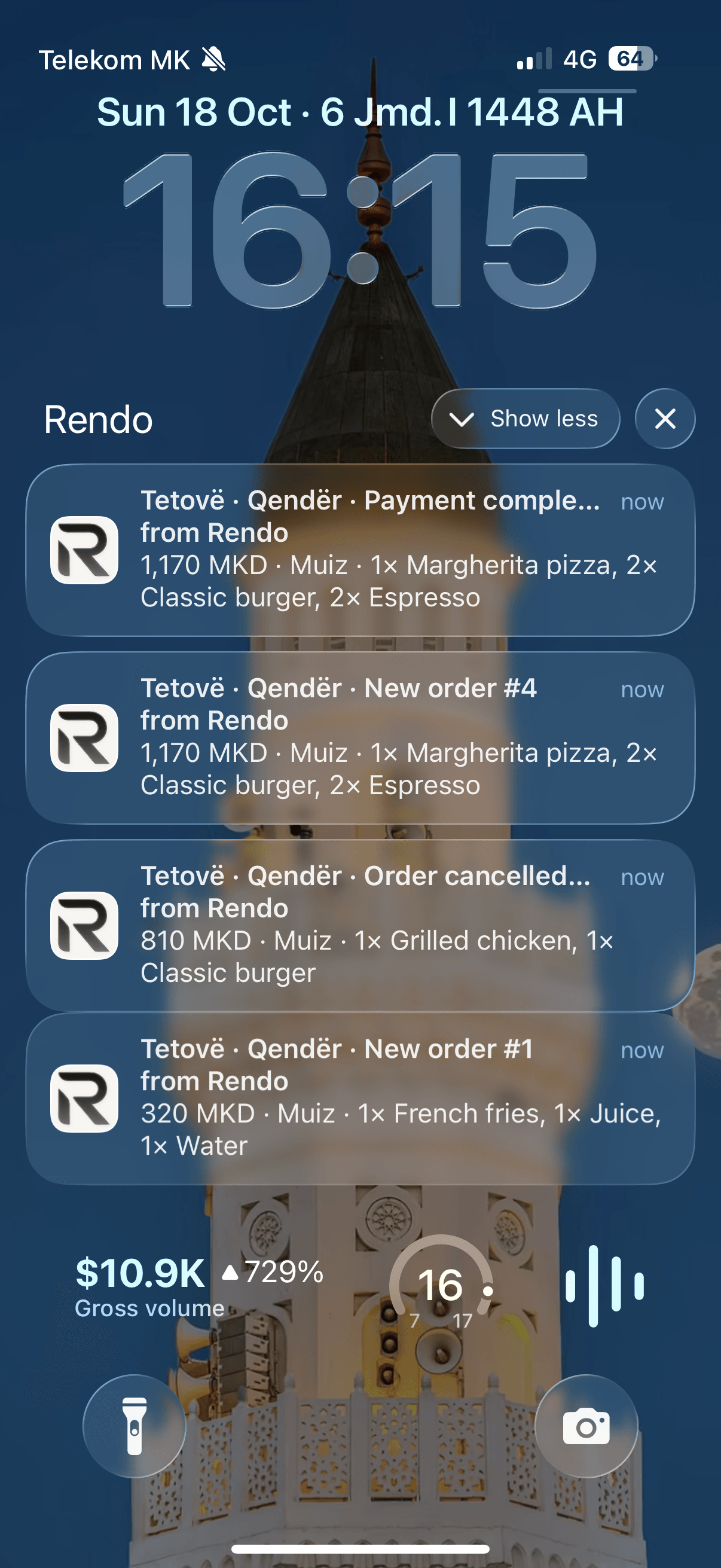
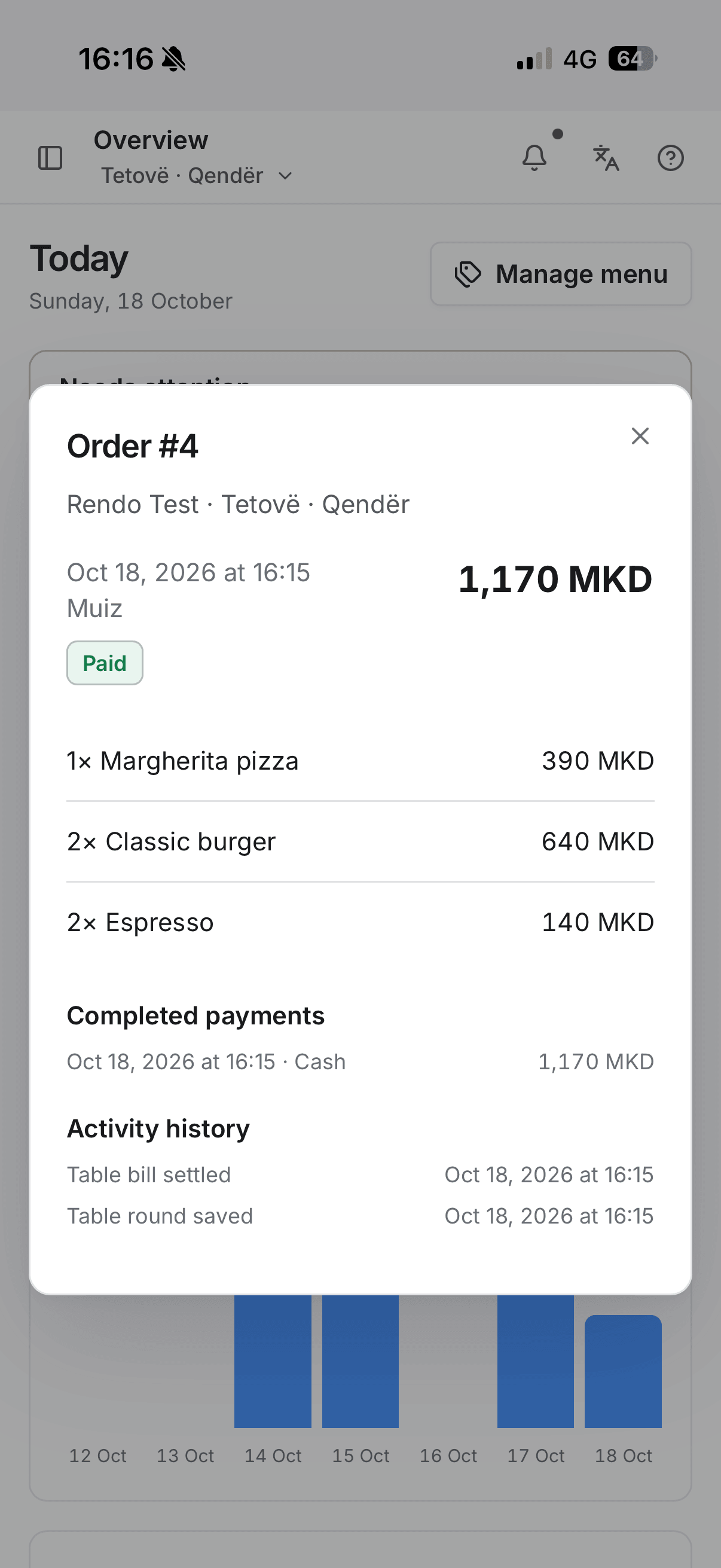
“Rendo fits our venue perfectly. Orders are more accurate, and guests spend less time waiting at the cashier.”
Rendo in service
We help add your products, prices, sizes and extras.
Menu, staff access and ordering tools, configured around your plan.
We check supported devices and test orders, payments and printing.
We show staff how to use Rendo and help with launch.
We review your current menu and files, then agree what can move.
Read the switching guideRendo Kiosk
Rendo guides
Planning a self-ordering kiosk for a café or fast-food venue? Compare software fees, touchscreen setup, counter payment and kitchen requirements.
Compare the full cost of restaurant POS software: subscriptions, setup, printers, fiscal equipment, stock tools and extra locations.
Plan menus, staff access, open bills, stock and printers before your first shift on a new restaurant POS. Includes a practical changeover checklist.
Walk through a counter order, kitchen ticket and pickup with your team. Tell us how many locations you run.