
Shared supplier directory
Keep suppliers at business level and use them in purchase orders for each location.
Purchasing & suppliers
Keep suppliers, purchase orders and deliveries connected to your restaurant stock. Receive the quantities that actually arrive, including partial deliveries, and keep their costs in the same workflow.
+ MKD 999 per location, per month
Requires Stock & Recipes · both add-ons: MKD 1,998
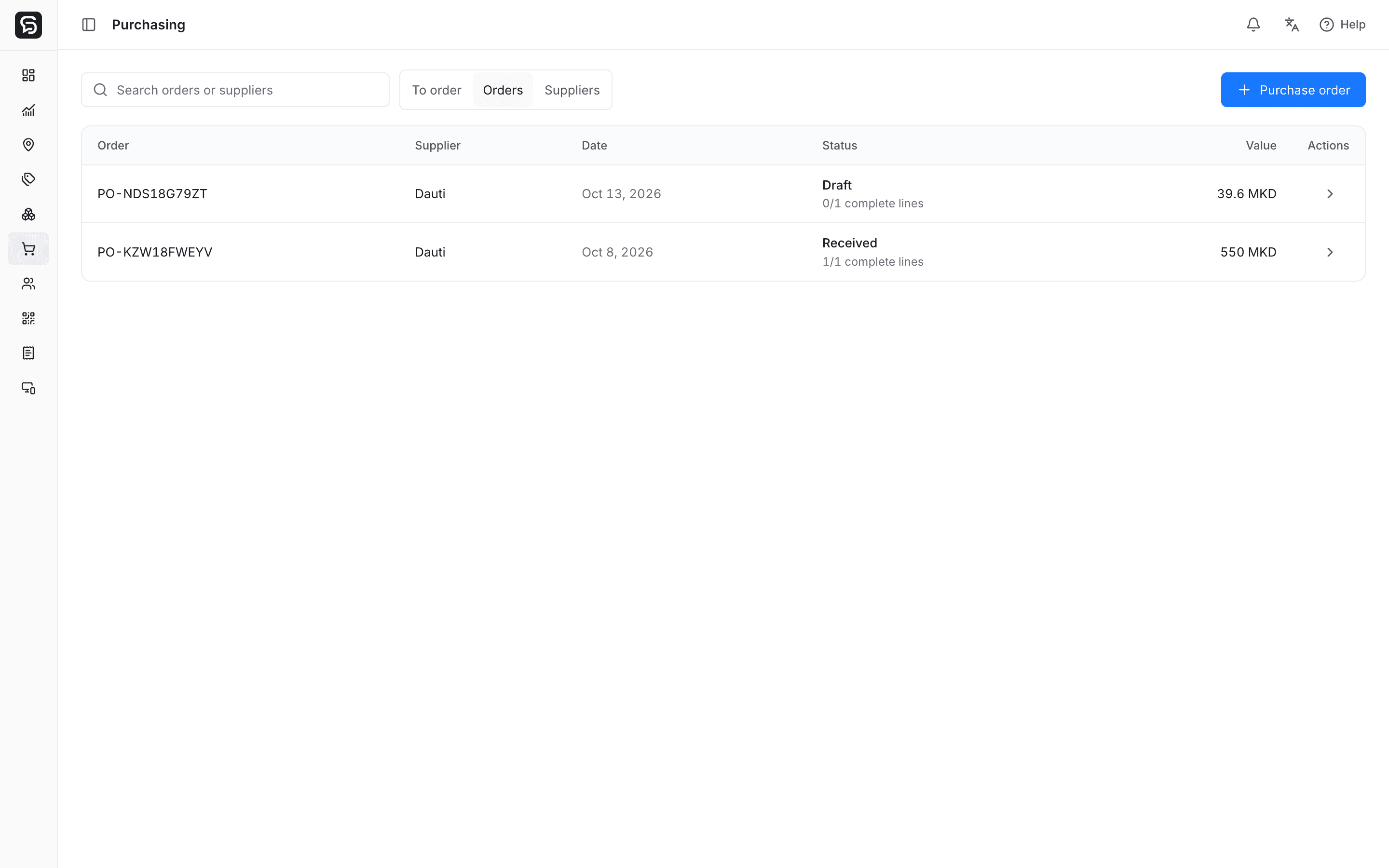
Control the purchase
Purchasing is an optional add-on per location on Core, Flow and Pro. It requires Stock & Recipes.
Keep suppliers at business level and use them in purchase orders for each location.
See items at or below their minimum and suggested replenishment quantities. Review them before creating drafts; nothing is ordered automatically.
Record supplier, destination location, quantities, costs and expected delivery. Keep drafts separate from orders.
Receive the quantity that arrived today. The remaining balance stays on the order for the next delivery.
Received goods increase stock at the destination location and contribute their actual unit cost to inventory valuation.
Review who received a delivery, when it arrived and which quantities and costs were recorded. Print or save the order for your supplier.
A connected workflow
Confirm the actual quantity and unit cost for each received item. Partial receipts leave the undelivered quantity open.
Explore stock & recipesChoose the supplier and location, then review item quantities and expected costs. A draft does not change inventory.
Confirm the actual quantity and unit cost for each received item. Partial receipts leave the undelivered quantity open.
See received goods in the location’s stock and movement history. Keep waste and physical counts in the inventory workflow.
Enable Stock & Recipes and Purchasing at the locations that need supplier and purchase-order control. Arrange activation with Rendo. Purchasing supports operations; it does not replace accounting or automatically pay or email suppliers.
Compare plansRendo guides
Keep supplier orders, partial deliveries, actual quantities and ingredient costs connected without confusing purchasing with accounting.
Connect menu sales to ingredient usage, deliveries, waste and physical counts—with a worked recipe example and a practical setup checklist.
Purchasing is an optional add-on per location on Core, Flow and Pro. It requires Stock & Recipes.