
01
Check the day’s numbers
Review location sales, collected payments and shift records. Core and Flow include basic sales reports covering up to 30 days per period with CSV export. Pro adds up to 90-day detailed reports and PDF.
Rendo for restaurant owners
Check the day’s sales, payments and shifts from a connected phone, tablet or laptop. Manage menus and teams in the same dashboard. Add Activity Alerts for selected recorded events, or Stock & Recipes for ingredients and low-stock alerts.
Book a demo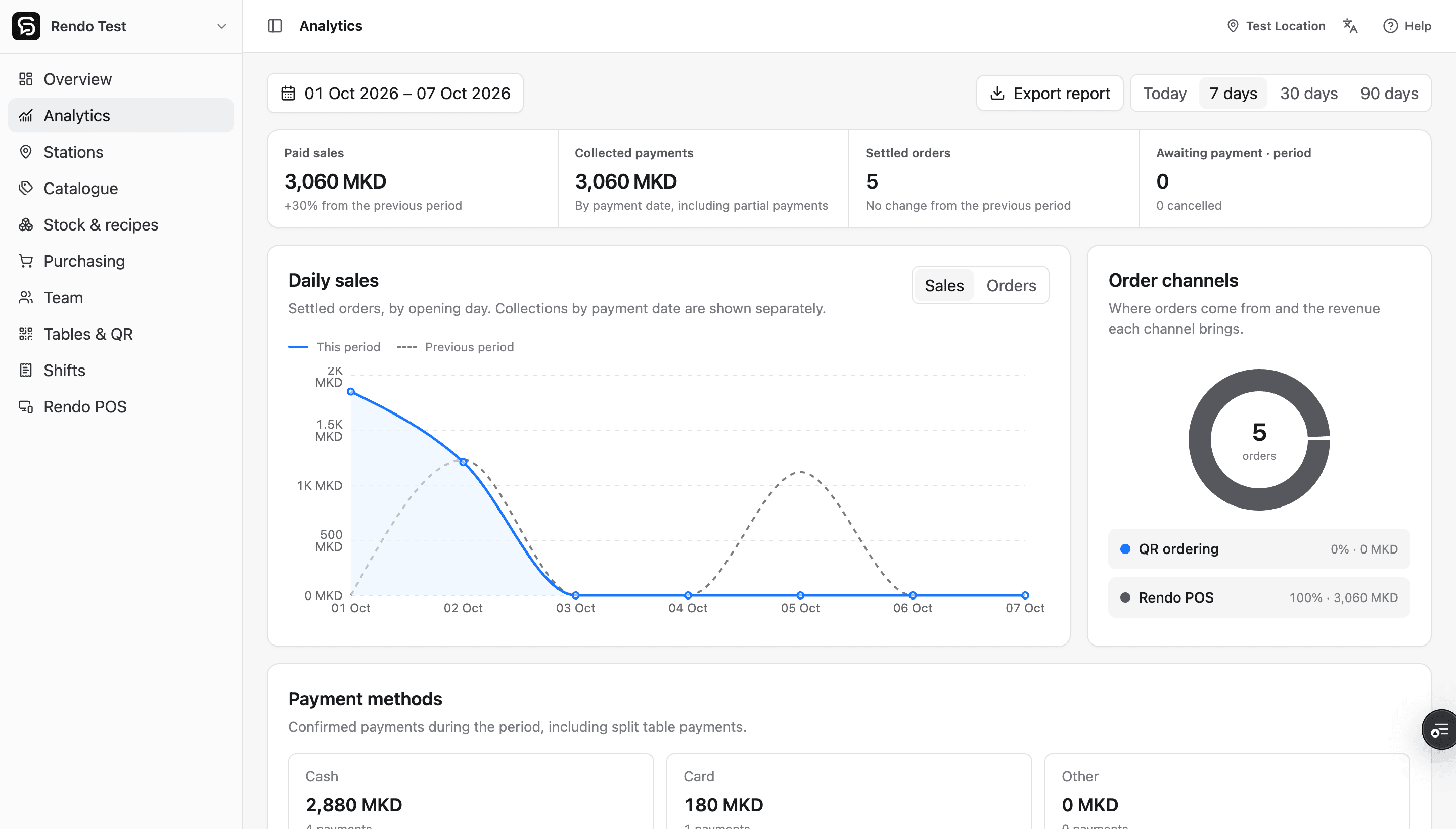
Owner visibility
If your reports are only available on the POS computer, checking the business means going back to the venue. Sign in to Rendo’s online dashboard from your own device to review what is happening.
01
Review location sales, collected payments and shift records. Core and Flow include basic sales reports covering up to 30 days per period with CSV export. Pro adds up to 90-day detailed reports and PDF.
02
Update menu products and manage authorized staff access from one workspace. Each branch keeps its own stock and operational records.
03
Add the owner web app to your Home Screen on a supported browser. The dashboard needs an internet connection for current reports and changes.
04
With Stock & Recipes, enable notifications for a location on supported devices. Alerts follow changes below minimum or to zero; notification permission is required.
05
Optional Activity Alerts keeps you informed about recorded orders, payments, cancellations, item voids and shift cash differences. Opt in by location and event on compatible installed owner web apps.
See alert packages and detailsFrom service to your screen
Start with one location, then select another when you need to review it.
Use your authorized owner or administrator account.
Open the location whose sales, team or stock you need to review.
Check reports, update the menu or follow a stock alert to the relevant ingredient.
Rendo guides
What remote access changes for restaurant owners, what to check in a demo, and where an installable web app still needs internet.
Set useful ingredient minimums, understand when alerts trigger, and connect a low-stock warning to receiving and purchasing.
Bring your current POS setup and the reports you need. We’ll demonstrate service, owner access and optional stock alerts together.