

01
Keep each branch organised
Each location has its own staff, devices, orders and shifts. Give your team the access it needs.
Rendo for growing chains
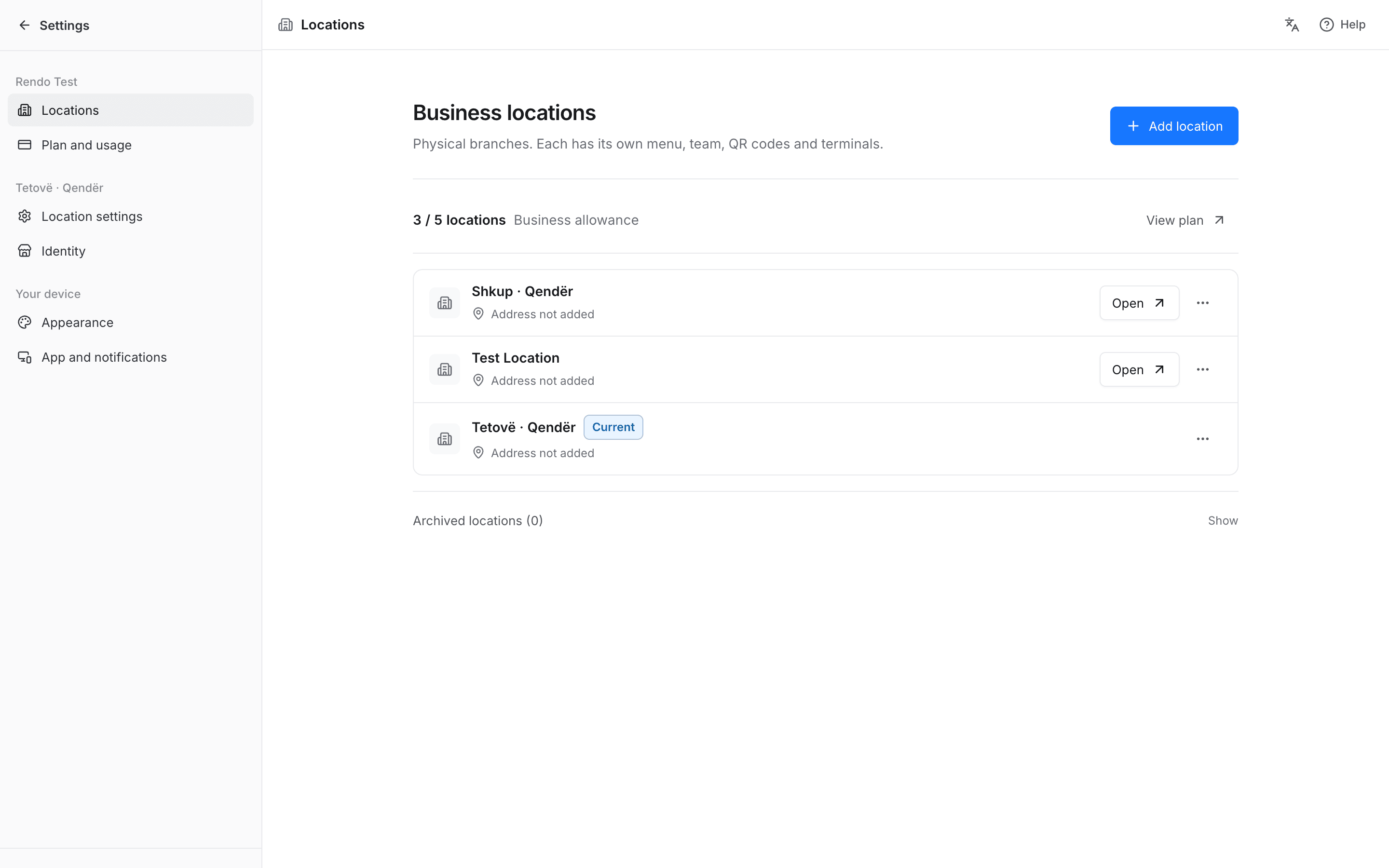
Open each location’s sales, menu, team and shift records without visiting every counter. Copy a menu to your next branch, then manage its prices and availability separately.
Growing beyond one venue
Reuse the menu as a starting point and give each team access to its own location. Owners can switch branches to review sales and service from the same dashboard.
01
Each location has its own staff, devices, orders and shifts. Give your team the access it needs.
02
Copy categories, products and prices to a new location. The copy is managed independently; edits are not automatically synchronized across branches.
03
Open each branch’s own reports and shift history from one dashboard. Review locations individually.
04
Test the menu, payments, printers and pickup with one team before agreeing the rollout for the next branches.
05
Review location sales, collected payments and shift records.
From one branch to the next
We agree the software, equipment and setup cost for each location before you start.
Start at a branch where the real service flow can be tested.
Copy a menu or configure the branch’s products and options.
Rehearse ordering, payment, printing, pickup and cash close.
Carry the agreed setup forward and check each location before launch.
Setup with your team
We help prepare menus, staff access and supported equipment for each branch. Test one location first, then agree setup, training and costs for the others.
Rendo guides
Plan menus, staff access, open bills, stock and printers before your first shift on a new restaurant POS. Includes a practical changeover checklist.
Choose a counter-service POS around rush-hour orders, kitchen/bar routing, pickup, ingredient usage and shift reconciliation.
Practical answers before you choose your setup.
Yes. Copy categories, products and prices as a starting point. Each branch then manages its menu independently; edits do not automatically sync.
Owners can switch between locations in one dashboard and open each branch’s own sales and shift reports. Reports are reviewed by location.
Test a full service at one branch first. Then agree the software, equipment and setup cost for each next location.
Yes. We plan the menu, staff access, equipment checks and training for each branch. Start with one location, test the setup and agree the next branches separately.
Tell us how many branches you run, how orders reach the kitchen and where you want self-service.