
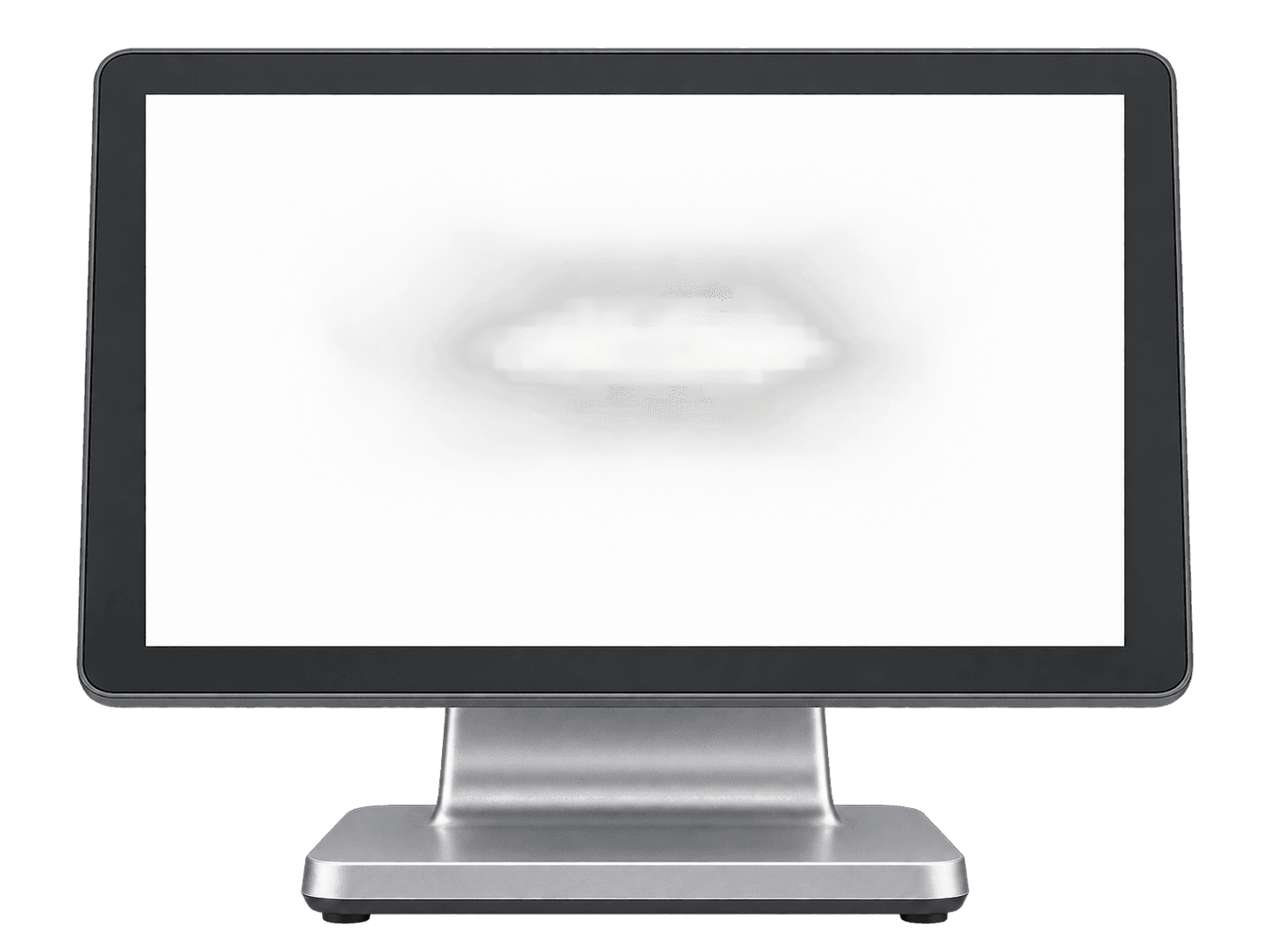
Windows register
Windows 10 or 11 · touch screen recommended
Runs the cashier and connects local devices.
Rendo hardware
Use Rendo on a Windows till. Connect your receipt and kitchen printers. We check your equipment and fiscal printer as part of setup.
Review my setup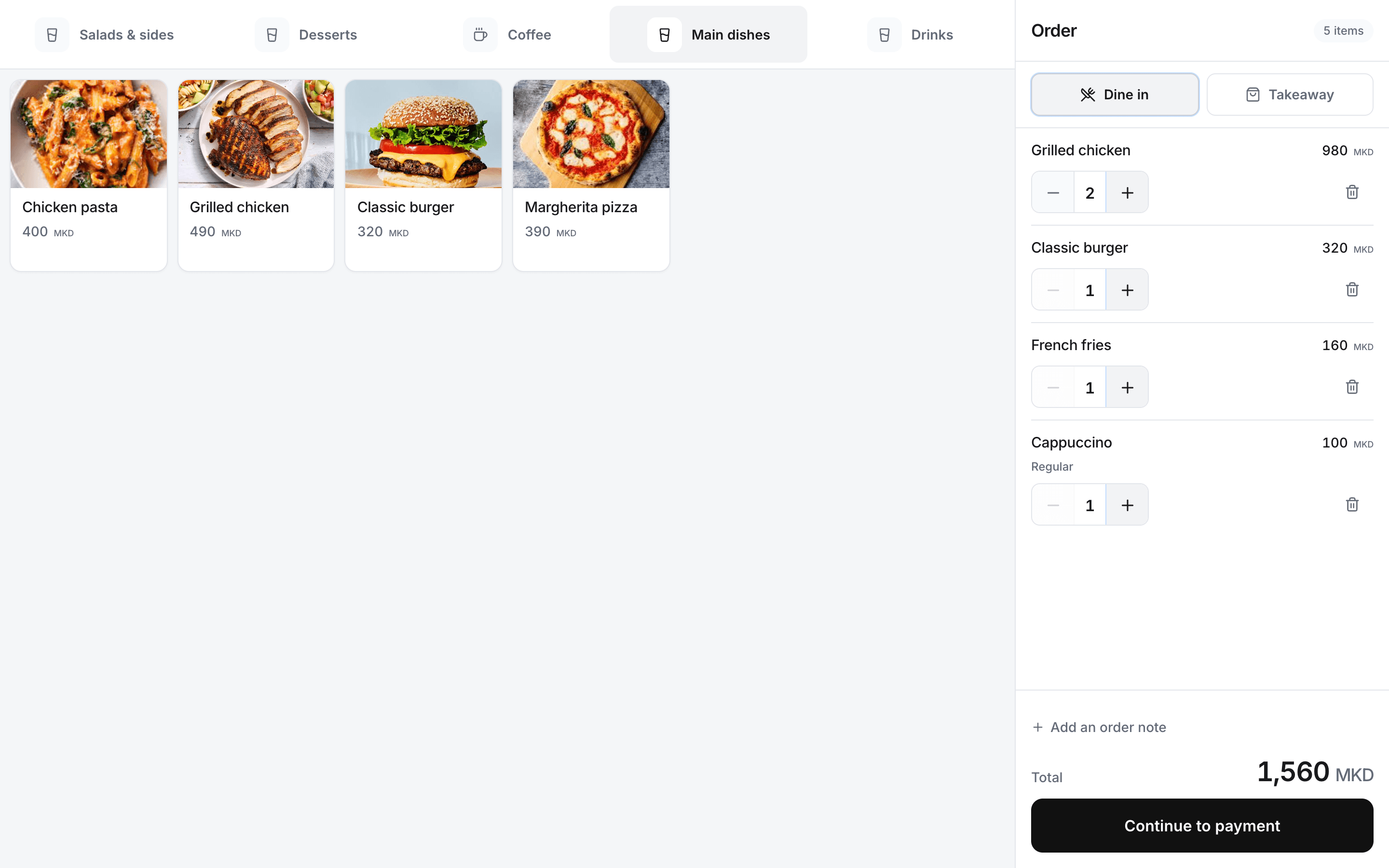
How the pieces connect
PF700 and PF550 printing needs the right setup. We check your device, connection and test receipts at the venue.
Rendo on your Windows register
Receipt and station printers
PF700 / PF550 fiscal device
What to prepare
The list below helps you plan. We check your existing devices and confirm the exact models before quoting or installation.
01 · Start here
The devices needed to run Rendo at a staffed counter.
Windows 10 or 11 · touch screen recommended
Runs the cashier and connects local devices.
80 mm ESC/POS model · USB or LAN, after testing
Prints customer receipts from the configured register.
Local network for printers · internet for live service
Connects local printers and the hosted order service; cached counter entry can queue new orders during an outage.
PF700 / PF550 · configured and tested per venue
Print fiscal receipts through your configured device. Connection settings and receipt output are checked at your venue.
02 · Add for your workflow
Choose these when the team needs kitchen tickets or guests order by QR.
Station printer, model and routing checked
Prints preparation tickets to the right team.
Print or display the codes created for your venue
Guests open the menu on their phones; no dedicated guest device is needed.
03 · Only if useful
Bring your existing accessories to the hardware review.
Connection depends on printer and register
We verify the physical drawer workflow before including it.
USB model and use case checked
Useful for venues with products that have barcodes; compatibility is checked first.
Hardware is quoted separately. We confirm which existing devices can be used before preparing your quote.
Before the first shift
A device list is only the start. The final setup is checked on the actual register and printers your team will use.
List the current register, network, fiscal device and printers.
Match devices to the counter and preparation stations.
Run a complete order and confirm each required print and device step.
Show staff the steps they will use during service.
If the connection drops
A paired desktop cashier with a cached screen, menu and active shift can save new counter orders on the device. Rendo submits the queued orders when the connection returns and keeps any failed submissions pending for review.
New preparation tickets and thermal receipts need the hosted order and print queue. Payment confirmation, table rounds and inventory changes also require the connection.
Rendo guides
Understand cached orders, local thermal printing, cloud queues, payments and reconciliation before relying on an offline POS promise.
Plan menus, staff access, open bills, stock and printers before your first shift on a new restaurant POS. Includes a practical changeover checklist.
Practical answers before you choose your setup.
A Windows 10 or 11 register, with a touchscreen recommended. Printer, network and accessory compatibility are checked before installation.
Yes, with the device configured and tested for your venue. We verify the connection settings and fiscal receipt output.
A paired desktop cashier with a cached menu and active shift can queue new counter orders locally. Payments, printing, table rounds and stock changes still need the connection.